5 Common Printer Problems in Hyderabad & How to Fix Them
Posted on February 5, 2026 | By Naresh Chowdary
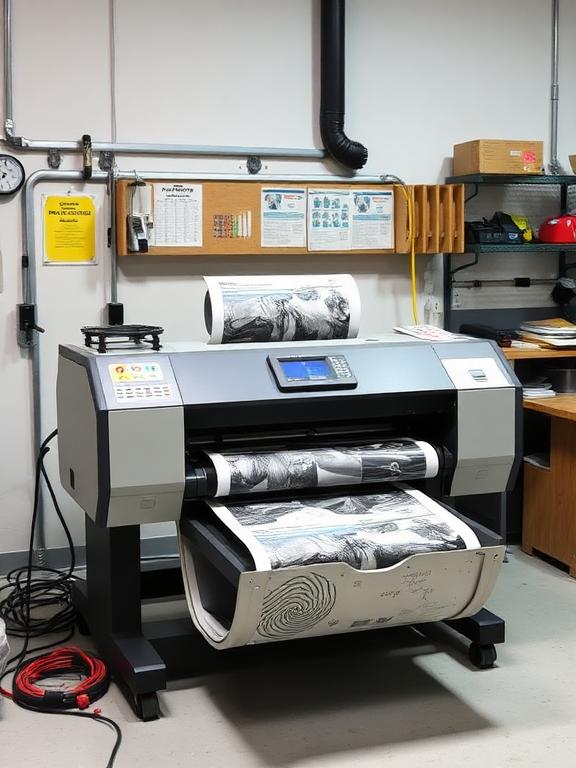
Printers are essential, but in Hyderabad's dusty and sometimes humid environment (especially in areas like Kukatpally and Hitech City), they often face specific issues. Here are the top 5 problems we see and how you can handle them.
1. Paper Jams Due to Humidity
In monsoon seasons, paper absorbs moisture and sticks together, causing jams. Tip: Keep your paper in a sealed plastic bag or a dry cabinet. Fan the paper stack before loading it into the tray.
2. Faded Prints (Dust accumulation)
Hyderabad is dusty. Dust settles on the laser scanner unit or print heads, leading to faint lines or dots. If running an automated cleaning cycle doesn't help, you need a professional service to clean the optical path.
3. Ink Drying Up
For InkJet owners, if you don't print for weeks, the ink dries in the nozzles. Solution: Print a color test page at least once a week to keep the ink flowing.
4. Driver Connectivity Issues
Windows updates often break older printer drivers. If your printer becomes "Offline," try reinstalling the driver from the official HP/Canon/Epson website rather than using the CD that came with the box.
5. "Waste Ink Pad Counter" Error
Epson printers often stop working and flash red lights when the internal waste ink pad is full. This is a common issue for heavy users. This requires a software reset and physical pad replacement, which we specialize in.
Need Professional Help?
Don't struggle with paper jams or error codes. We offer doorstep service.
Call 90634 84335