Projector Maintenance 101: Don't Let it Burn Out
Posted on February 5, 2026 | By Naresh Chowdary
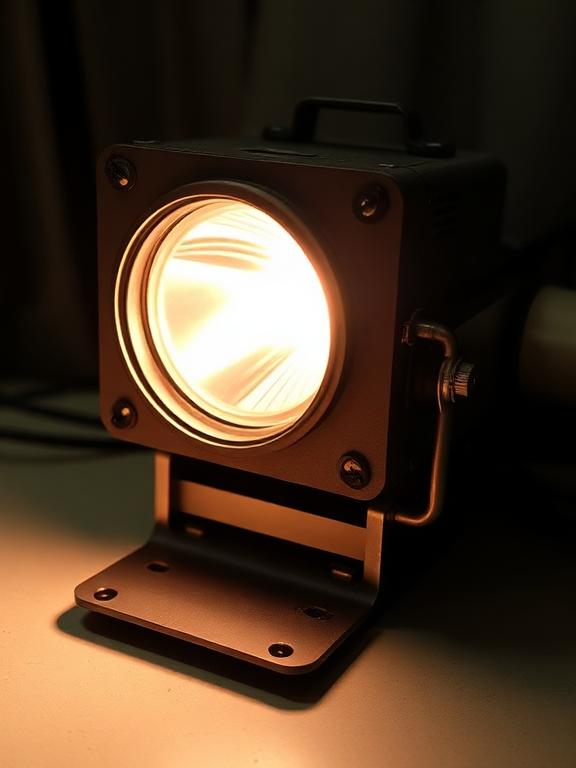
Projectors are sensitive devices. The lamp alone generates immense heat. Without proper care, you might face a burnout just when you're about to start a movie or a presentation.
1. Clean the Air Filter (Crucial!)
The #1 cause of projector failure is a clogged filter. If air can't circulate, the bulb overheats and pops. Check your filter every 100 hours of use. If it's dusty, vacuum it gently or wash it if it's a washable foam type.
2. Let it Cool Down Phase
Most projectors have a fan that runs for a minute after shutdown. This "cool down" phase is vital to protect the bulb glass from thermal shock. Wait for the fan to stop before pulling the plug.
3. Don't Move it While Hot
The lamp filament is fragile when hot. Moving or bumping the projector while it's running (or immediately after) can snap the filament instantly.
4. Economy Mode
Running your projector in "Eco Mode" reduces brightness slightly but can extend lamp life by up to 2000 hours. For home theaters in dark rooms, Eco Mode is usually sufficient.
Projector Overheating?
We provide deep cleaning and thermal paste replacement services.
Book Cleaning Service